Ledger vs Trezor: Which Should You Choose?
An in-depth comparison of the two most popular hardware wallet brands to help you make the right choice.
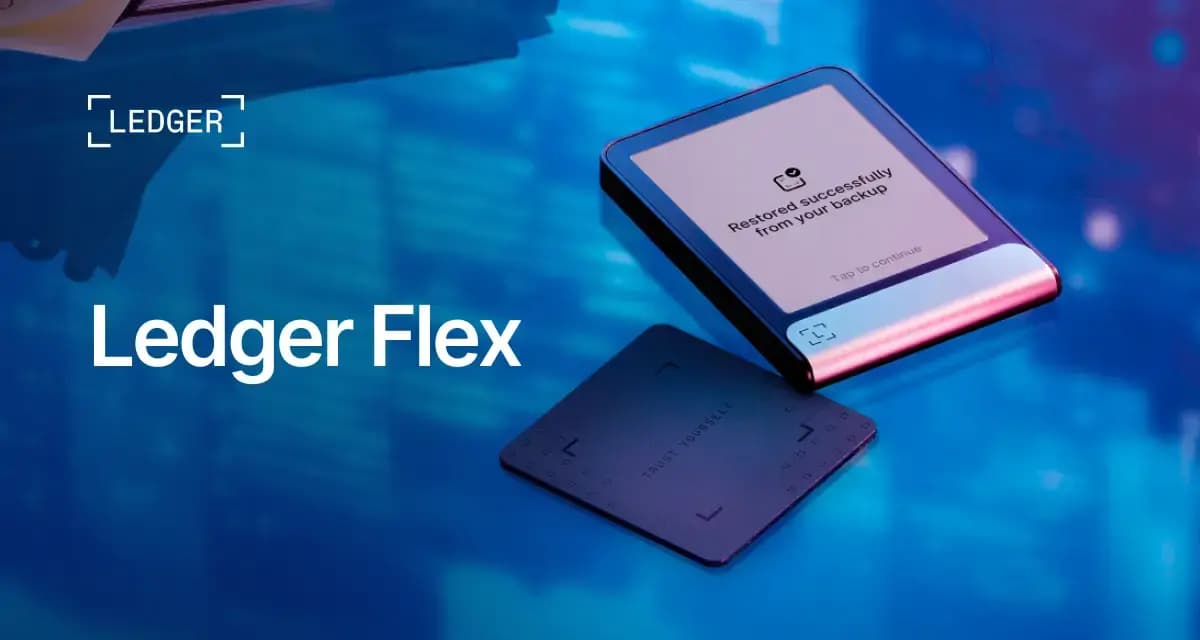
Choose Ledger if you want Secure Element clear signing, the broadest coin and NFT catalog in Ledger Live, and the most polished iOS/Android flagship experience. Ledger Flex is the 2026 touchscreen flagship most buyers compare first.
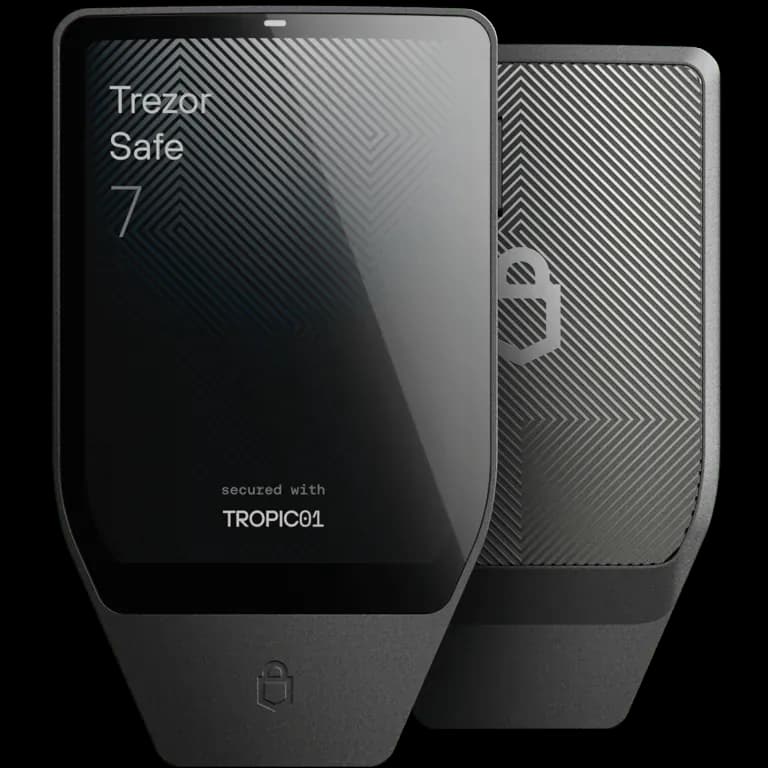
Choose Trezor if you want fully open-source firmware, Shamir Backup, and a transparent security model on a large color touchscreen. Trezor Safe 7 is SatoshiLabs’ current-generation flagship with Bluetooth and reproducible builds.
Quick Comparison
| Feature | | |
|---|---|---|
| Security Chip | Secure Element (EAL6+) | Auditable SE + open firmware |
| Touchscreen | E-Ink (Flex) | Color (Safe 7) |
| Bluetooth | Yes (Flex) | Yes (Safe 7) |
| Open Source | Partial | Full |
| Coins Supported | 15,000+ | 9,000+ |
| Mobile App | Ledger Wallet | Trezor Suite |
| Entry Price | $79 | $79 |
| Shamir Backup | No | Yes |
Security
- Secure Element (EAL6+) drives signing and display policy
- Clear signing on E-Ink touchscreen (Flex)
- Proprietary Ledger OS with Donjon threat model
- 24-word recovery phrase
Hardware-certified, closed-stack security
- Fully open-source firmware with reproducible builds
- Auditable secure element plus secondary EAL6+ chip
- Shamir Backup (SLIP39) and passphrase support
- Post-quantum bootloader authentication on Safe 7
Transparent, auditable security
Ease of Use
- Ledger Wallet app (mobile + desktop)
- E-Ink touchscreen for readable transaction review
- Bluetooth and NFC on Flex
- Built-in buy, sell, stake, and swap
Best retail super-app experience
- Trezor Suite (desktop + mobile)
- Large color Gorilla Glass touchscreen
- Simple, mature onboarding flow
- Coin control and Tor options for Bitcoin privacy
Excellent flagship touchscreen UX
Supported Coins
- 15,000+ cryptocurrencies
- Industry-leading token and NFT catalog
- Regular firmware updates for new assets
- Strong DeFi and WalletConnect integrations
Industry-leading coin support
- 9,000+ cryptocurrencies
- All major coins and tokens supported
- Bitcoin-only firmware option available
- Community-driven asset additions
Strong coverage for most holders
Open Source
- Ledger Wallet apps are open source
- Core device firmware is proprietary
- Secure Element code is not public
- Transparency via CC certification, not full code audit
Partially open source
- Fully open-source firmware
- Published hardware designs
- Community and researcher audits encouraged
- Reproducible build pipeline
Fully open source
Mobile Experience
- Native iOS and Android apps
- Bluetooth on Flex for wireless signing
- Full feature parity with desktop in Ledger Wallet
- Most polished everyday mobile workflow in this matchup
Best mobile experience
- Trezor Suite mobile on iOS and Android
- Bluetooth on Safe 7 (newer than older Trezor models)
- USB-C still available for desktop-first workflows
- Improved mobile vs legacy Trezor, still behind Ledger polish
Good mobile — improving generation
Price
- Nano S Plus: $79
- Nano X: $149
- Flex: $249
- Stax: $399
Options from budget to ultra-premium
- Safe 3: $79
- Safe 5: $129
- Safe 7: $249
- Competitive pricing across the Safe line
Competitive pricing across lineup
Which One Should You Choose?
- Want the smoothest iOS/Android flagship workflow
- Need maximum coin, token, and NFT coverage
- Prefer Secure Element clear signing on a trusted display
- Value Ledger Live’s integrated buy/sell/stake features
- Require fully open-source firmware you can verify
- Want Shamir Backup or advanced Trezor recovery options
- Prefer SatoshiLabs’ transparent security model
- Like a large color touchscreen with reproducible builds