Arculus Cold Storage Wallet Review
Arculus Cold Storage Wallet is a simple mobile NFC card wallet with EAL6+ secure-element storage and 3-factor authentication, best for convenient self-custody rather than open-source, air-gapped, or advanced verification workflows.
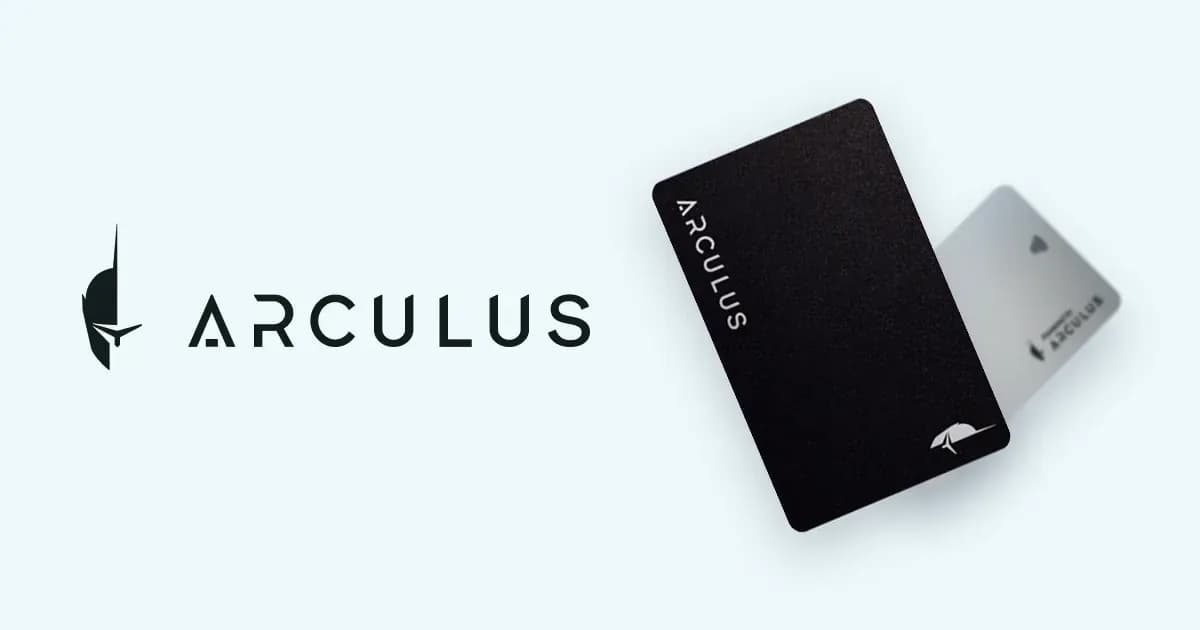
Arculus Cold Storage Wallet
Pros
- Strong fit for Beginners
- Strong fit for Mobile Users
- Strong fit for Users Wanting card Form Factor
- Strong fit for NFT Users
Cons
- Not ideal for Open source Advocates
- Not ideal for Airgap Security Seekers
- Not ideal for Bitcoin only Minimalists
- Not ideal for Users Wanting on Device display Verification
- Price
- $99
- Connectivity
- NFC
- Open Source
- Closed source
- Coins
- 10,000+
Key Specifications
- Manufacturer
- Arculus Holdings, L.L.C.
- Country
- United States
- Launch Year
- 2021
- Firmware Maintained
- Yes
- Secure Element
- Yes
- Air-gapped
- No
- Connection
- NFC
- Official App
- Arculus Wallet App
Security Model
Mobile-first NFC card wallet using a CC EAL6+ secure element and three-factor authentication: phone biometric unlock, user PIN, and physical Arculus Card tap approval.
Trust Assumptions
- Users trust Arculus app distribution and closed-source card firmware
- The CC EAL6+ secure element protects private keys as documented
- Encrypted proprietary NFC communication remains correctly implemented
- Users maintain control of the phone, PIN, and Arculus Card
- Users verify transaction intent in the mobile app because the card has no independent display
- The mobile app and supported-chain infrastructure remain available
Backup Methods
- Beginners
- Mobile Users
- Users Wanting card Form Factor
- NFT Users
- Users Wanting Battery Free Wallets
- Users Wanting Simple 3fa
- Open source Advocates
- Airgap Security Seekers
- Bitcoin only Minimalists
- Users Wanting on Device display Verification
- Advanced Multisig Users
Known Issues
2026: Phone-screen transaction verification tradeoff
Arculus keeps keys on an NFC secure-element card but relies on the phone app for transaction display and user review, which reduces independent signing-device verification compared with wallets that have their own screen.
Sources
Related Wallet Reviews
Similar options worth comparing before you buy.
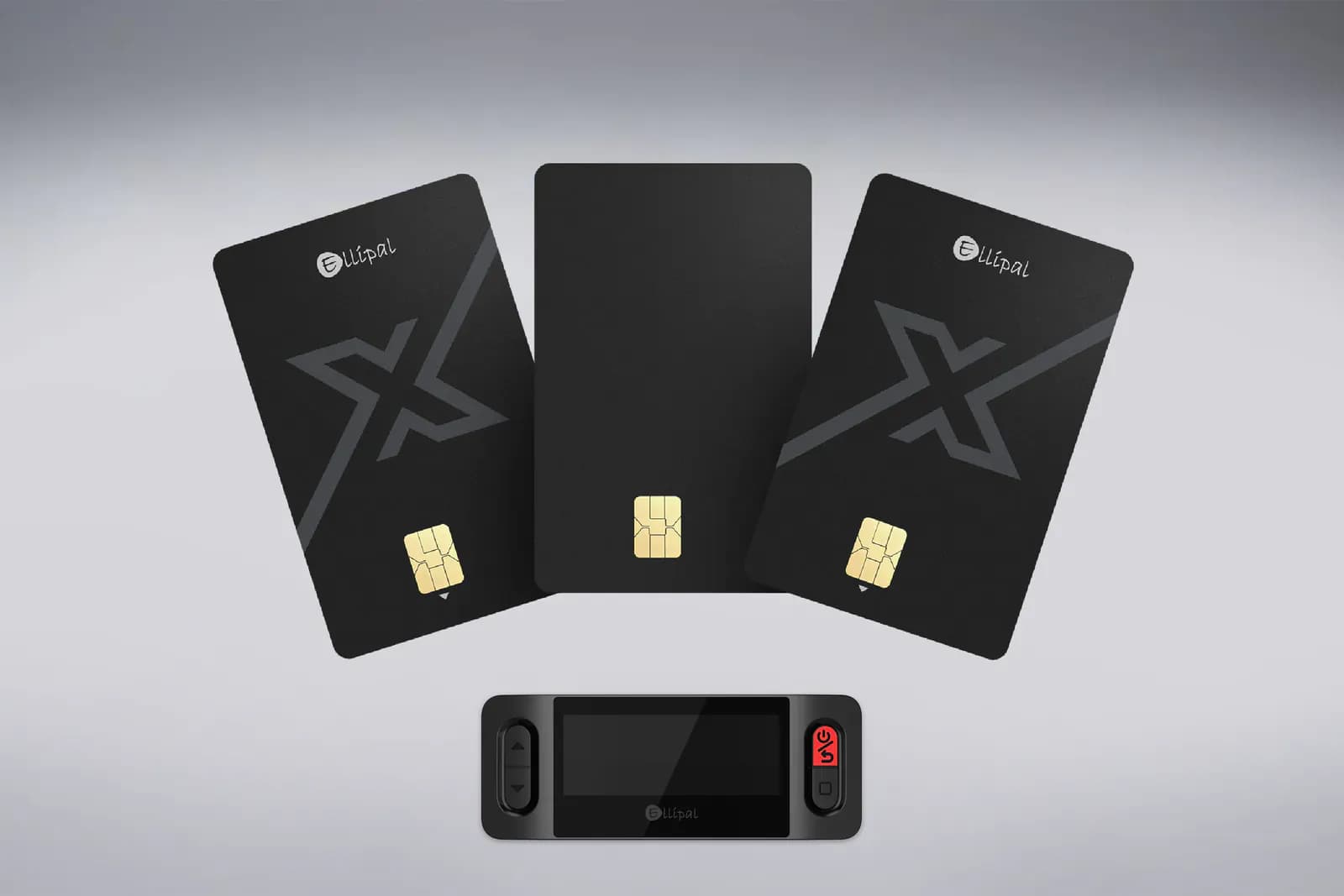
ELLIPAL X Card is a battery-free NFC card wallet for users who want quick mobile signing, offline setup, backup-card flexibility, and broad token support, but the lack of a device screen creates a clear-signing tradeoff that makes it weaker for high-value cold storage.
$79
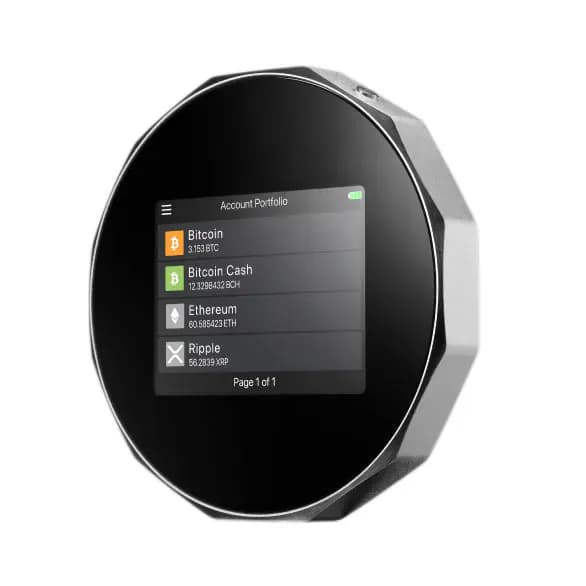
SecuX V20
Users Wanting TouchscreenSecuX V20 is a mid-range touchscreen hardware wallet with an Infineon EAL5+ secure element, Bluetooth, USB-C, WalletConnect 2.0, and broad multi-chain/NFT support, best suited to users who value convenience more than open-source verifiability.
$99
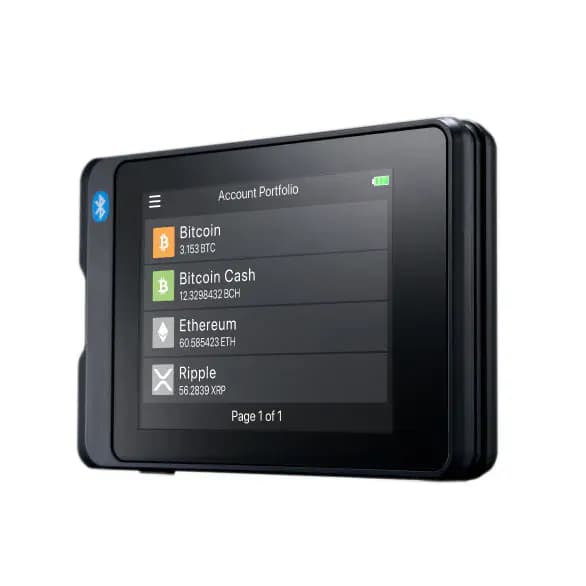
SecuX W20
Budget Conscious UsersSecuX W20 is a budget-friendly touchscreen hardware wallet with an Infineon EAL5+ secure element, a 2.8-inch color touchscreen, Bluetooth 5 and USB Micro-B connectivity, WalletConnect and QR-based MetaMask integration, dynamic PIN entry, and support for thousands of coins, tokens, and NFTs across up to 500 accounts. At $69 it is one of the cheapest touchscreen signers available, but it relies on proprietary SecuX software and uses an older Micro-B connector rather than USB-C.
$69
SecuX W10
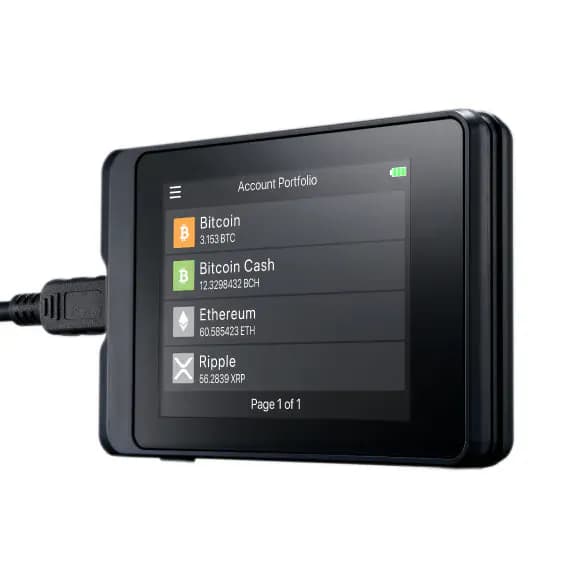
Budget Conscious UsersSecuX W10 is a low-cost, battery-free, USB-only touchscreen hardware wallet with an Infineon EAL5+ secure element and broad asset/NFT support, but it relies on proprietary SecuX software and lacks mobile, Bluetooth, WalletConnect, and open-source transparency.
$49