KeepKey Review
KeepKey is a low-cost, open-source hardware wallet with a large verification display, reproducible firmware, open hardware documentation, and desktop-first USB workflows, but it is older and lacks a secure element, air-gap signing, Bluetooth, NFC, and touchscreen features.
KeepKey
Pros
- Strong fit for Budget Conscious Users
- Strong fit for Open source Advocates
- Strong fit for Desktop Users
- Strong fit for Users Wanting Large Transaction display
Cons
- Not ideal for Mobile First Users
- Not ideal for Airgap Security Seekers
- Not ideal for Users Wanting Secure Element Protection
- Not ideal for Users Wanting Bluetooth or NFC
- Price
- $49.95
- Connectivity
- USB
- Open Source
- Fully open source
- Coins
- 400+
Key Specifications
- Manufacturer
- KeepKey
- Country
- United States
- Launch Year
- 2015
- Firmware Maintained
- Yes
- Secure Element
- No
- Air-gapped
- No
- Connection
- USB
- Official App
- KeepKey Desktop
Security Model
Open hardware and open firmware with deterministic builds, a large transaction-verification display, PIN/passphrase controls, and physically confirmed USB signing rather than a secure-element or wireless architecture.
Trust Assumptions
- Users verify firmware authenticity and update sources
- KeepKey firmware signing and release infrastructure remain trustworthy
- The general-purpose microcontroller and physical-access protections are sufficient for the user's threat model
- Users verify transaction details on the device display before approval
- Users protect the recovery seed and optional passphrase from physical disclosure
Backup Methods
- Budget Conscious Users
- Open source Advocates
- Desktop Users
- Users Wanting Large Transaction display
- Thorchain Swap Users
- Mobile First Users
- Airgap Security Seekers
- Users Wanting Secure Element Protection
- Users Wanting Bluetooth or NFC
- Users Wanting Modern Touchscreen Ux
Known Issues
2017: ShapeShift acquisition changed product direction
ShapeShift acquired KeepKey in 2017, tying the device more closely to ShapeShift's wallet and swap ecosystem while KeepKey continued as a self-custody hardware wallet.
2026: Open microcontroller security tradeoff
KeepKey emphasizes open hardware and reproducible firmware, but does not use a secure element, so users with strong physical-attack concerns may prefer newer secure-element devices.
Sources
- KeepKey Official Website
official
- KeepKey Supported Assets and Price
official
- KeepKey Firmware and Open Hardware
official
- KeepKey Desktop
official
- Verifying KeepKey Firmware
support
- ShapeShift Supports KeepKey
official
- KeepKey Firmware Repository
GitHub
Related Wallet Reviews
Similar options worth comparing before you buy.
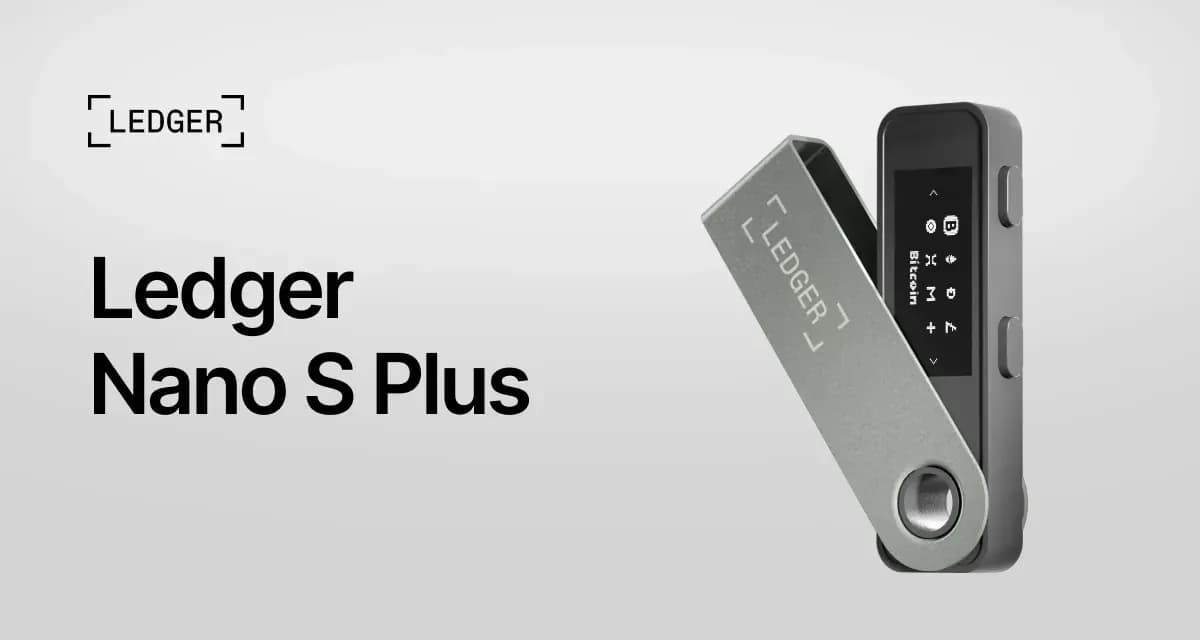
A strong entry-level Ledger signer for desktop and Android users who want broad asset support, USB-C, no battery, and secure-element protection, but it requires trust in Ledger's proprietary firmware and is not suitable for iOS mobile signing.
$79
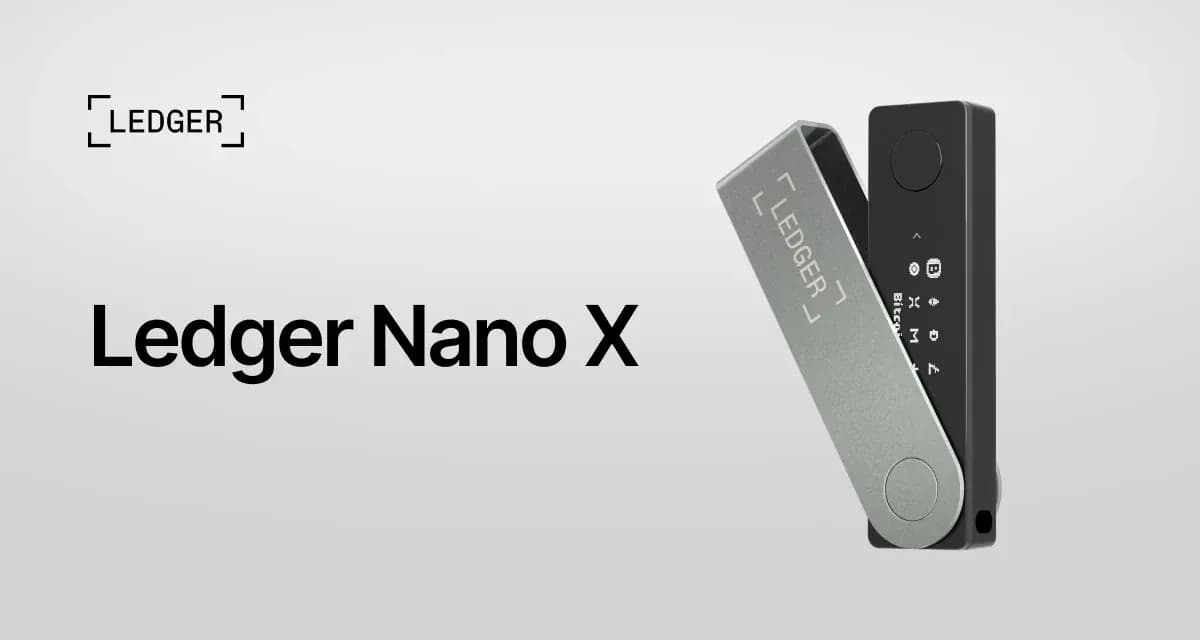
Ledger Nano X
Mobile UsersLedger Nano X is the mobile-focused Ledger signer for users who want iOS and Android Bluetooth signing, broad asset support, and secure-element protection, but it costs more than Nano S Plus and requires comfort with proprietary firmware and wireless connectivity.
$149
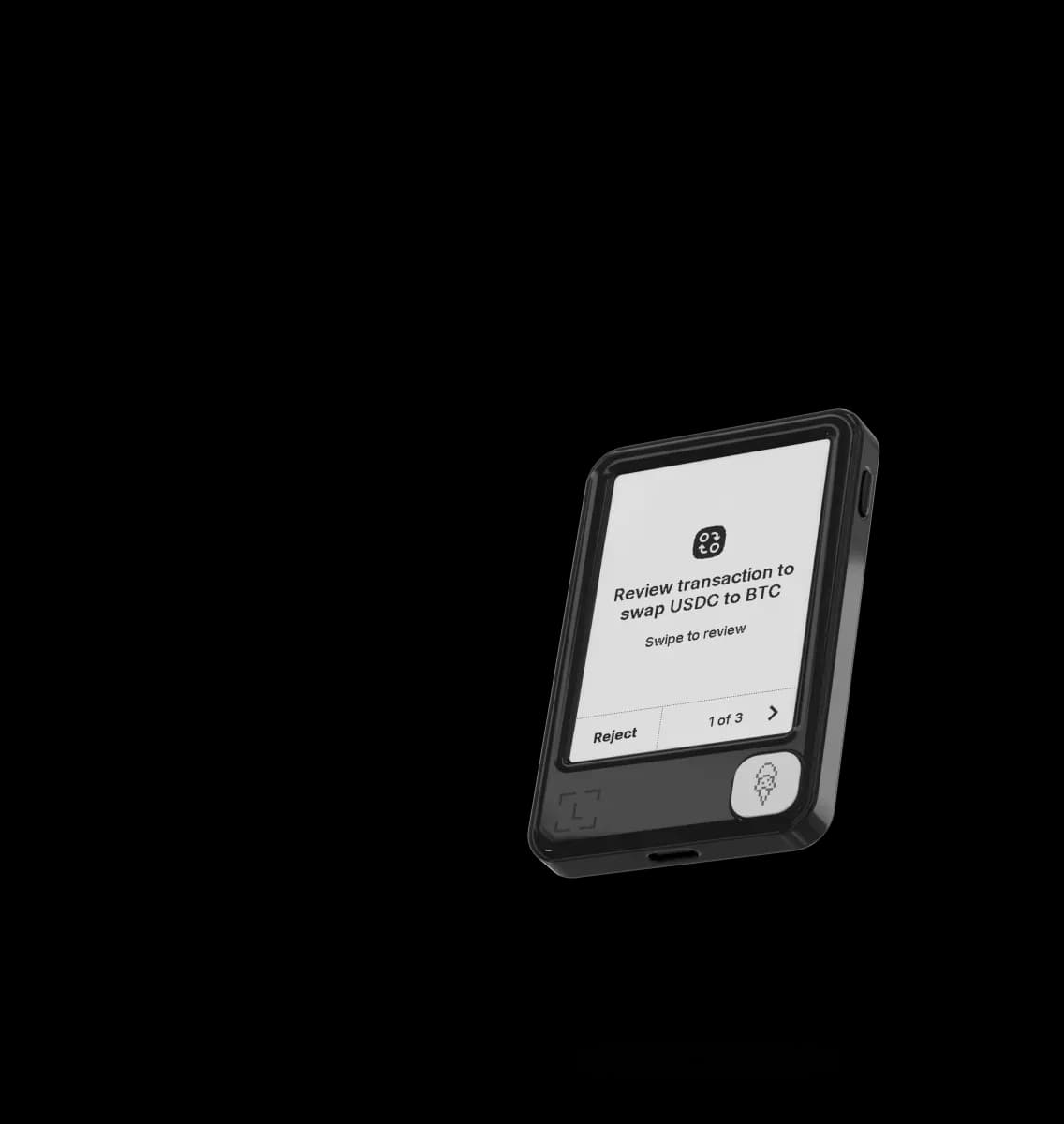
Ledger Nano Gen5
Beginners Wanting TouchscreenLedger Nano Gen5 is Ledger's entry touchscreen signer for users who want Clear Signing, mobile connectivity, and an included Ledger Recovery Key at a lower price than Flex, but it still requires trust in Ledger's proprietary firmware and wireless stack.
$179
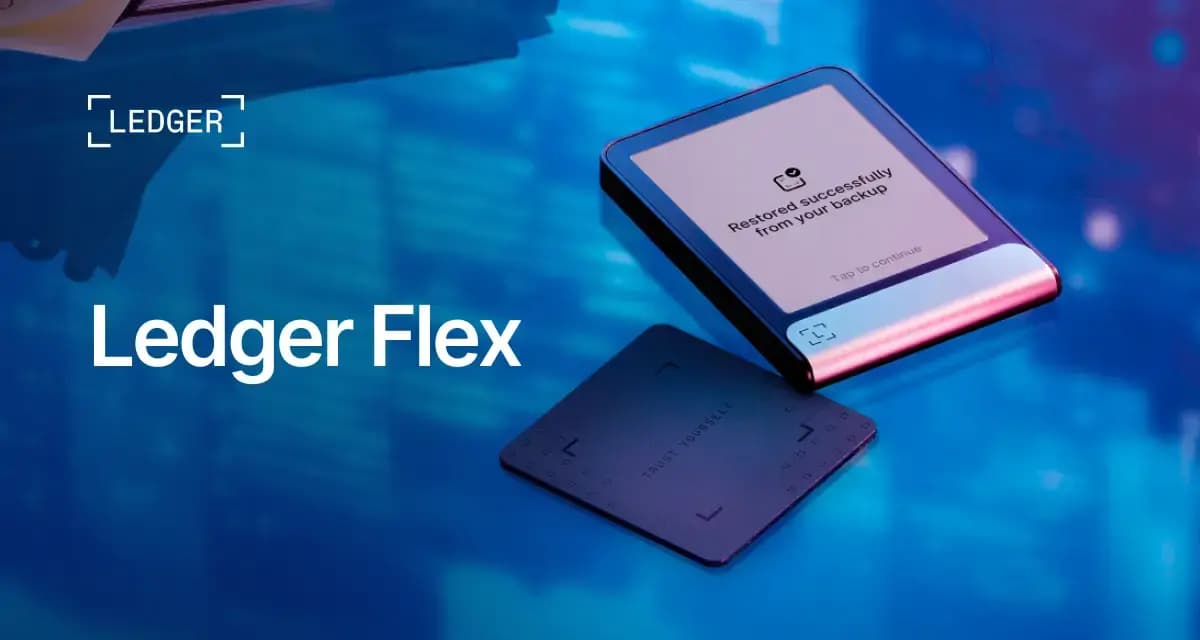
Ledger Flex
Mobile UsersLedger Flex is a premium touchscreen Ledger signer for users who want clearer transaction review, iOS and Android connectivity, NFC recovery-key support, and broad Ledger ecosystem features, but it is expensive and still depends on Ledger's proprietary firmware trust model.
$249