Trezor Safe 5 Review
Trezor Safe 5 is one of the strongest balanced hardware wallets for users who want open-source firmware, secure-element protection, a color touchscreen, haptic confirmation, privacy tooling, and advanced backup options without relying on Bluetooth or proprietary wallet lock-in.
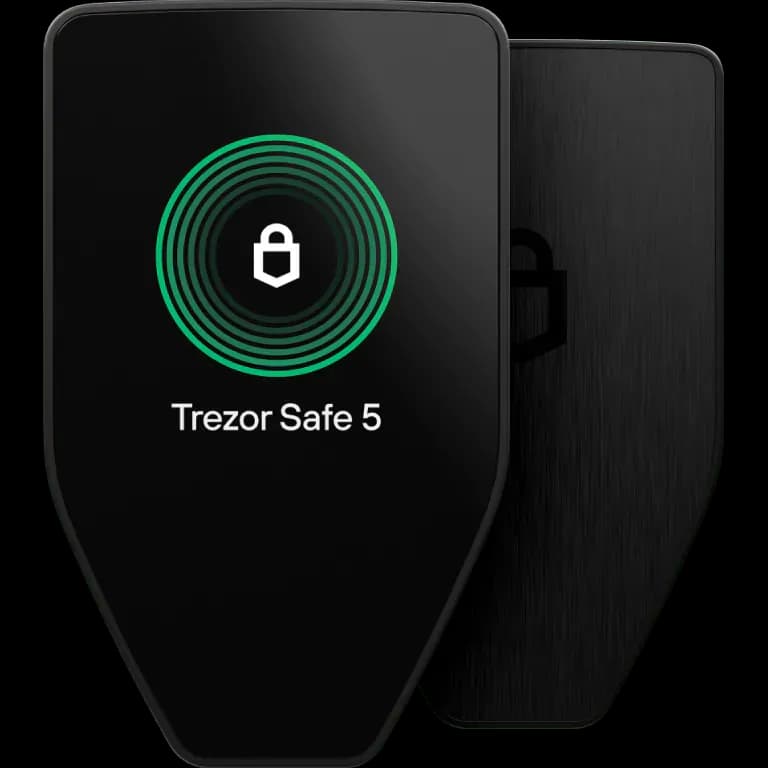
Trezor Safe 5
Pros
- Strong fit for Open source Advocates
- Strong fit for Security Conscious Users
- Strong fit for Bitcoin Users
- Strong fit for Privacy Focused Users
Cons
- Not ideal for iOS Mobile signing Users
- Not ideal for Users Needing Bluetooth
- Not ideal for Users Wanting Full Airgap
- Not ideal for Users Holding Many Obscure Altcoins
- Price
- $129
- Connectivity
- USB-C
- Open Source
- Mostly open source
- Coins
- 8,000+
Companion app
This device pairs with Trezor Suite. Our companion review covers custody, recovery, and what the app controls versus the hardware signer.
Read Trezor Suite reviewKey Specifications
- Manufacturer
- SatoshiLabs
- Country
- Czech Republic
- Launch Year
- 2024
- Firmware Maintained
- Yes
- Secure Element
- Yes
- Air-gapped
- No
- Connection
- USB-C
- Official App
- Trezor Suite
Security Model
Open-source transparency with certified secure element protection, color touchscreen verification, haptic confirmation, and user-verifiable firmware.
Trust Assumptions
- User verifies firmware authenticity and device prompts
- SatoshiLabs software stack remains trustworthy
- Secure element protects against some physical extraction and tampering attacks
- Users store wallet backups and passphrases securely
Backup Methods
- Open source Advocates
- Security Conscious Users
- Bitcoin Users
- Privacy Focused Users
- Beginners Wanting Touchscreen
- iOS Mobile signing Users
- Users Needing Bluetooth
- Users Wanting Full Airgap
- Users Holding Many Obscure Altcoins
Known Issues
2023: Secure element philosophy shift
Trezor's adoption of certified secure elements in the Safe line led to discussion among open-source advocates because older Trezor models intentionally avoided closed secure elements.
2020: Voltage fault injection extraction on older Trezor models
Researchers demonstrated physical extraction attacks against older Trezor devices without secure elements; Safe 5 includes a secure element to improve resistance against similar physical-access threats.
Sources
- Trezor Safe 5 Official Product Page
official
- Trezor Safe 5 Bitcoin-only Product Page
official
- Trezor Company Page
official
- Trezor Core Firmware Documentation
documentation
- Trezor Reproducible Builds Documentation
documentation
- Trezor Firmware GitHub Repository
GitHub
- Trezor OPTIGA Configuration Documentation
documentation
- Trezor Safe 5 FAQs
official
Compare with other wallets
Related news
Software you might also use
Companion apps and related software guides. These are separate from our hardware rankings.
Trezor Suite
Trezor device owners needing the official management interfaceTrezor Suite is a hardware companion whose custody and recovery depend on a paired Trezor device and wallet backup.
Custody: Self Custody
Platforms: Windows, Macos, Linux, Web, iOS, Android
Role: Hardware Companion
Free
Related Wallet Reviews
Similar options worth comparing before you buy.
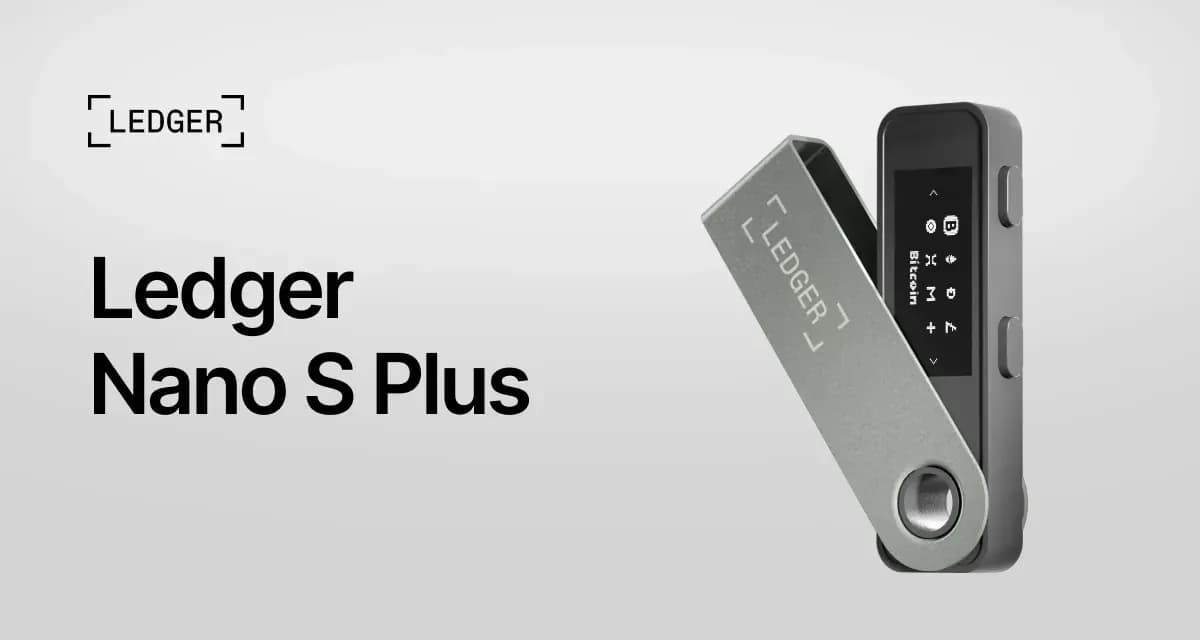
A strong entry-level Ledger signer for desktop and Android users who want broad asset support, USB-C, no battery, and secure-element protection, but it requires trust in Ledger's proprietary firmware and is not suitable for iOS mobile signing.
$79
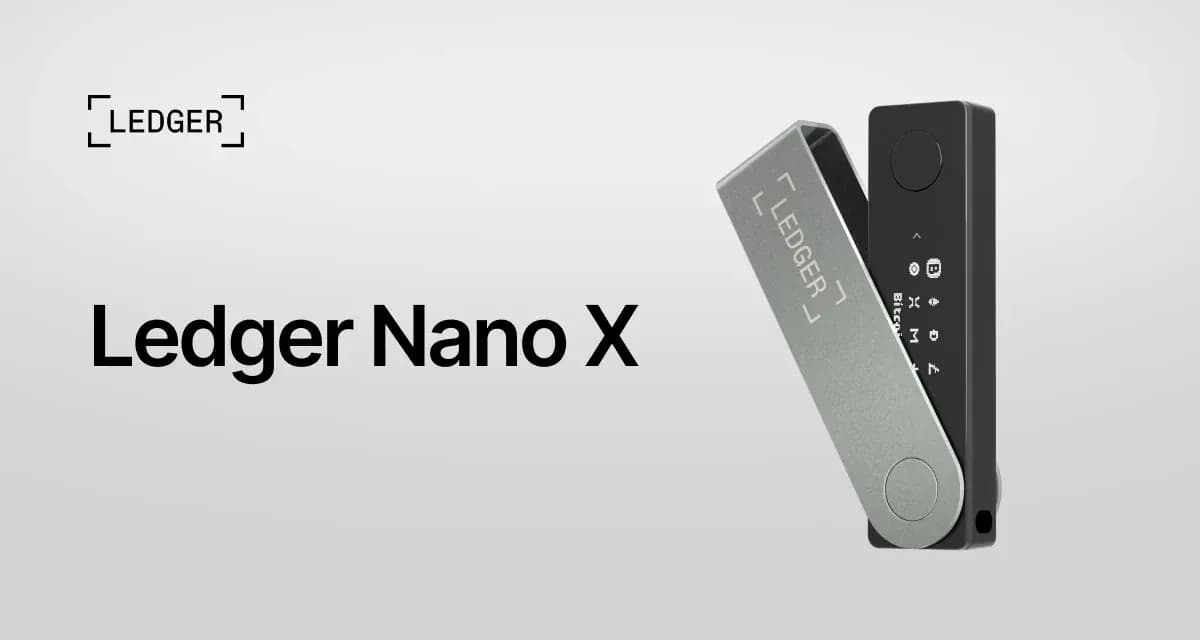
Ledger Nano X
Mobile UsersLedger Nano X is the mobile-focused Ledger signer for users who want iOS and Android Bluetooth signing, broad asset support, and secure-element protection, but it costs more than Nano S Plus and requires comfort with proprietary firmware and wireless connectivity.
$149
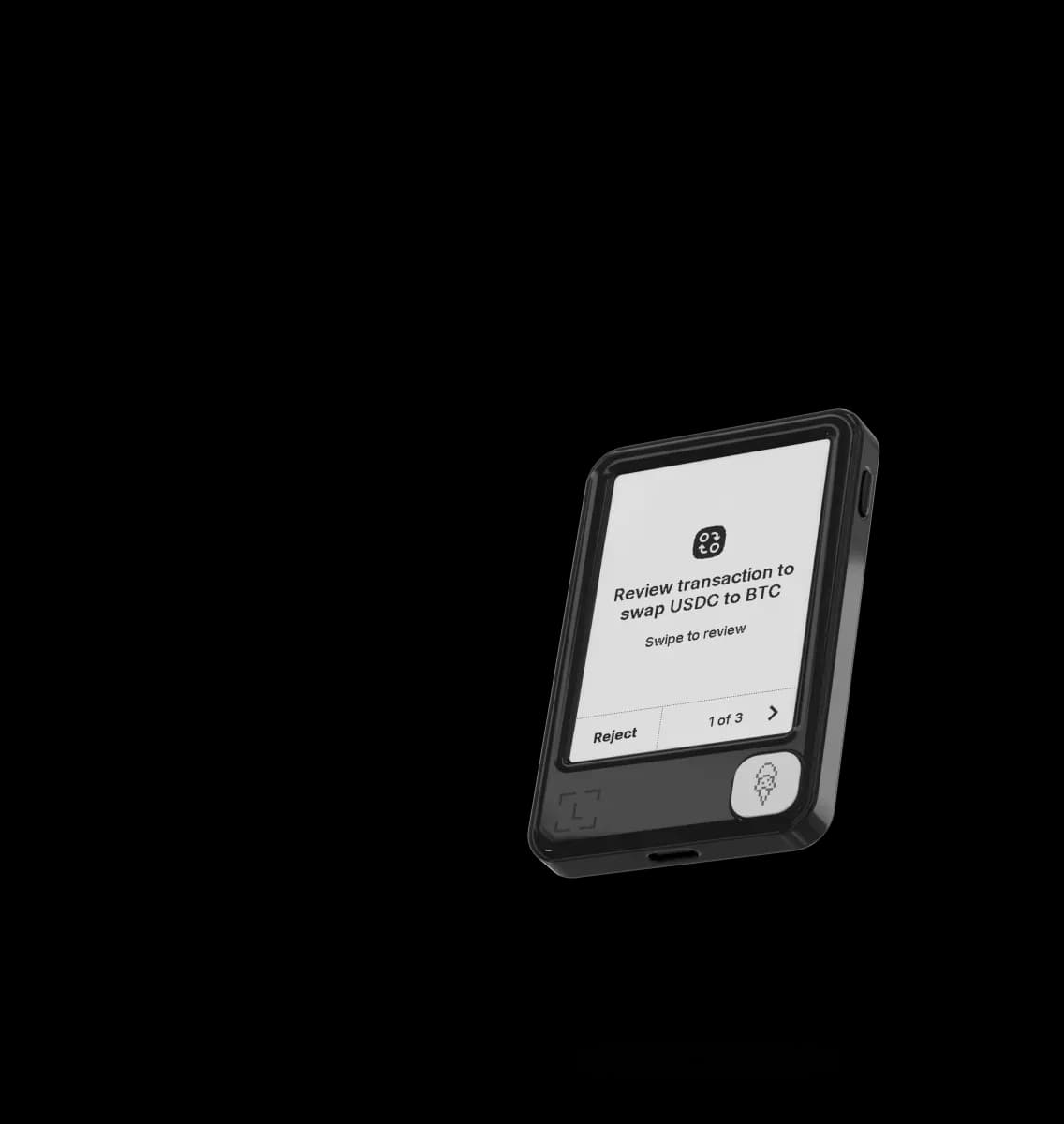
Ledger Nano Gen5
Beginners Wanting TouchscreenLedger Nano Gen5 is Ledger's entry touchscreen signer for users who want Clear Signing, mobile connectivity, and an included Ledger Recovery Key at a lower price than Flex, but it still requires trust in Ledger's proprietary firmware and wireless stack.
$179
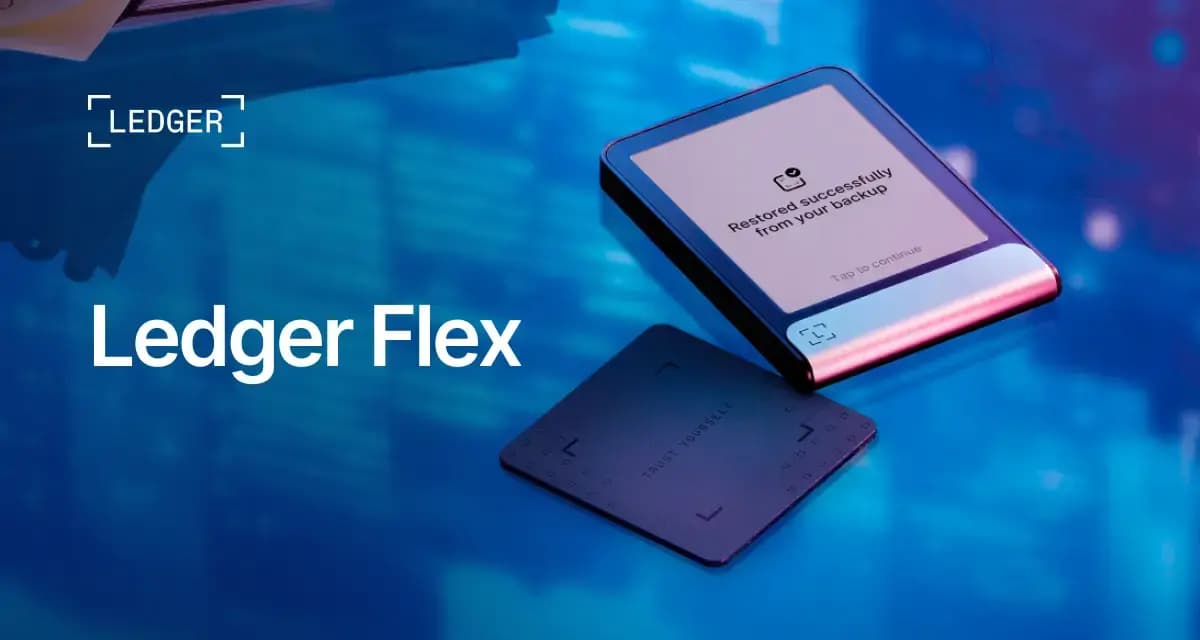
Ledger Flex
Mobile UsersLedger Flex is a premium touchscreen Ledger signer for users who want clearer transaction review, iOS and Android connectivity, NFC recovery-key support, and broad Ledger ecosystem features, but it is expensive and still depends on Ledger's proprietary firmware trust model.
$249