MetaMask
Extension and Mobile
We reviewed MetaMask using 5 official and public sources. The notes below focus on custody, recovery, and security trade-offs.
Strong ecosystem breadth and documented transaction/security warnings, balanced against irreversible SRP loss and phishing exposure.
- broad EVM/Web3 access
- users able to manage their own SRP backup
Key specifications
- Brand
- MetaMask
- Role
- Consumer Wallet
- Custody
- Self Custody
- Platforms
- Browser ExtensioniOSAndroidWeb
- Networks
- ethereumbitcoinsolanatron
- Pricing
- Free
Free to download and use
Recovery and platform behavior differ between Extension and Mobile.
- Key setup
- Seed Based HdGenerated KeysImported KeysPasskeyBiometric
- Backup options
- offline SRP backupdevice-local passwordsocial-login recovery for supported onboarding
Self-custody with a high user-phishing and malicious-dapp exposure surface; local vault protection and transaction/security warnings are distinct controls.
- Encrypts keys locally
- Yes
- Privacy note
- RPC endpoints necessarily receive network requests; users can configure endpoints.
Third-party providers can affect uptime, privacy, and recovery. They are documented here for context, not as ranking points.
- Infura and configurable RPC providers (Rpc; KYC: Not Required)
- MetaMask security and data services (Analytics; KYC: Unknown)
- Affiliate
- No affiliate relationship recorded
Sources we checked
5 sources reviewed, with 8 documented claims tied to specific fields.
- How to secure your Secret Recovery Phrase and password
MetaMask describes the user as in control of the wallet and assets and says MetaMask cannot recover a lost SRP.
- How to secure your Secret Recovery Phrase and password
The SRP is a generated 12-word phrase from which accounts are derived; individual private keys can also be imported.
- How to recover your Secret Recovery Phrase
Recovery procedures and limitations differ between Extension and Mobile, including device/password dependencies.
- Privacy preserving features in MetaMask
MetaMask describes configurable security alerts and transaction simulation for potentially malicious dapps and smart contracts.
- How to install MetaMask
Official installation guidance covers a browser extension and iOS/Android mobile apps.
Related comparisons
More in this category
Atomic Wallet Desktop
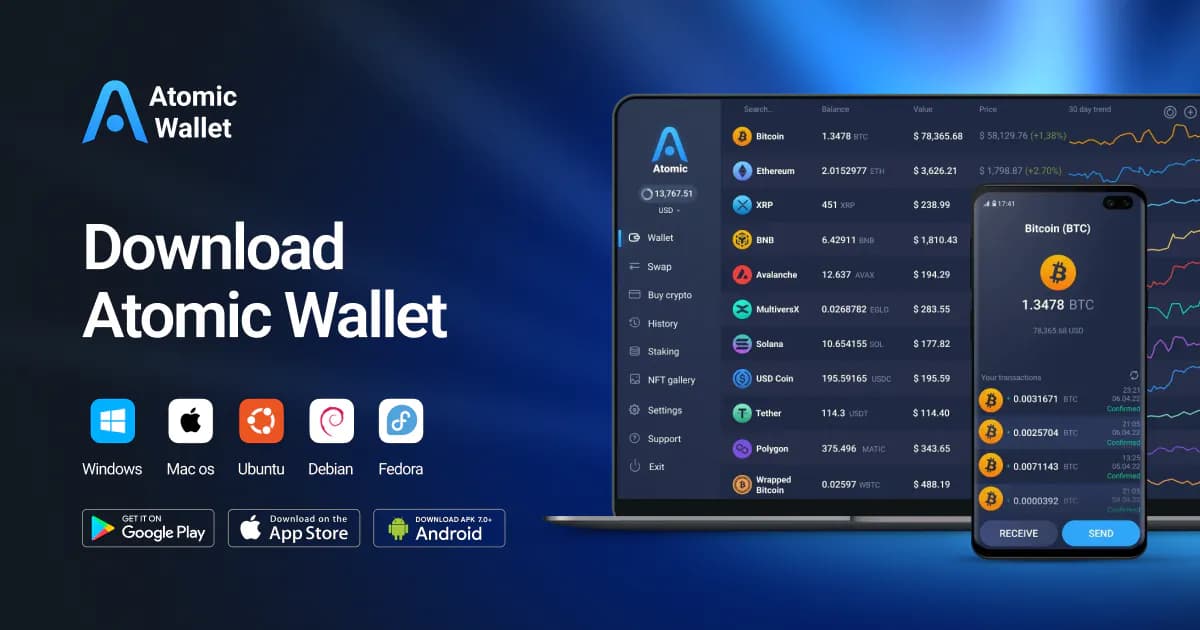
desktop multi-asset users who can independently protect a 12-word backupAtomic offers broad desktop multi-asset coverage and explicit self-custody language, but current platform/incident uncertainty and third-party service dependence warrant a higher-risk editorial posture pending deeper review.
Custody: Self Custody
Platforms: Windows, Macos, Linux
Role: Consumer Wallet
Free
Atomic Wallet Mobile
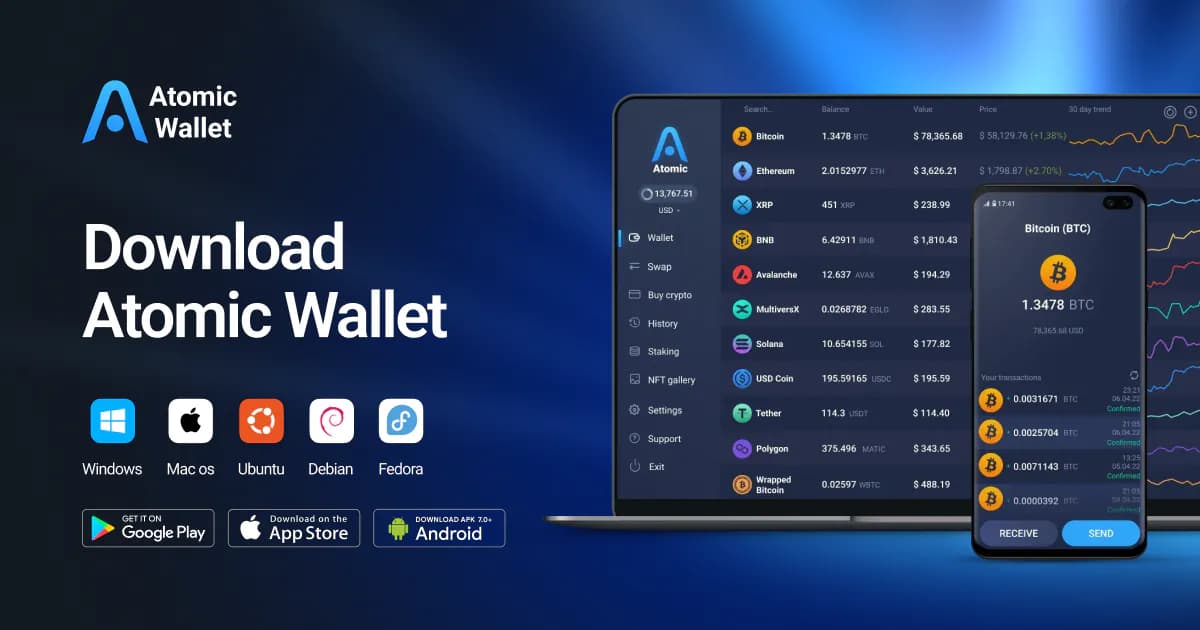
Android multi-asset users who can independently protect a 12-word backupThe mobile product has the same basic self-custody phrase model as Atomic Desktop but a materially different availability profile, so it remains a limited, higher-risk surface pending further research.
Custody: Self Custody
Platforms: Android, iOS
Role: Consumer Wallet
Free
Backpack Wallet
users seeking a Solana/Ethereum wallet with mobile and browser surfacesBackpack’s official distribution and product terms support a separate wallet record, but the reviewed sources leave key-management, recovery, provider, and source-availability claims unresolved.
Custody: Self Custody
Platforms: iOS, Android, Browser Extension
Role: Consumer Wallet
Free