Zerion Wallet
Mobile app, browser extension, and connected web portfolio interface
We reviewed Zerion Wallet using 4 official and public sources. The notes below focus on custody, recovery, and security trade-offs.
Zerion combines a broad EVM interface with unusually clear public security claims and transaction-risk tooling, while retaining ordinary self-custody recovery responsibility.
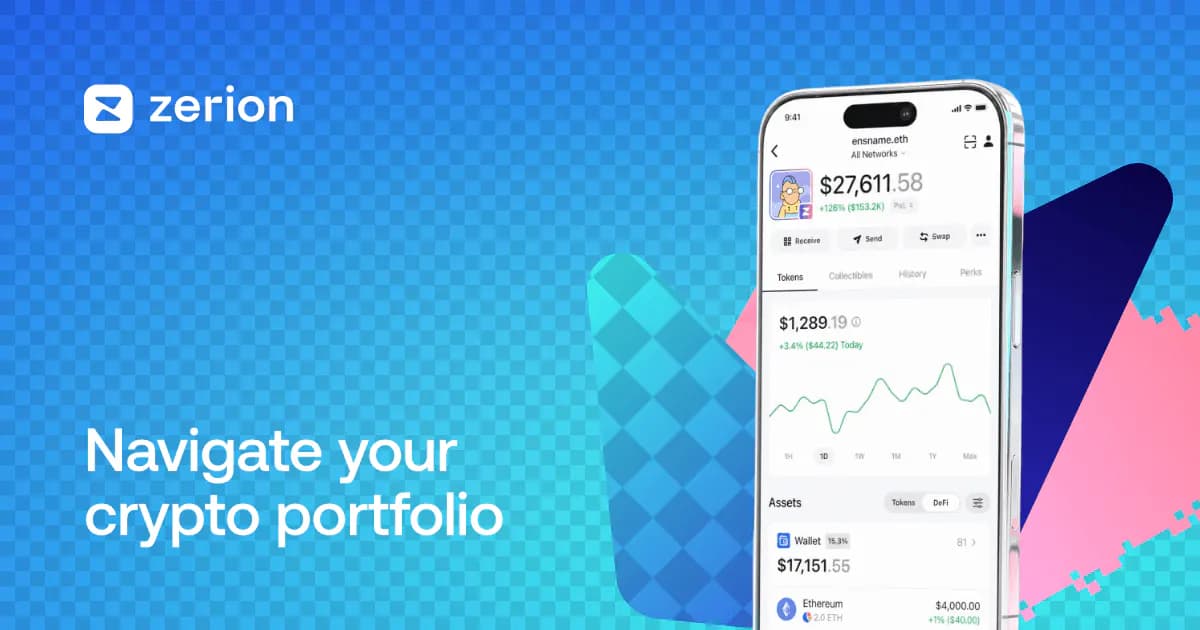
- EVM users who want detailed transaction previews and allowance controls
- users who value public audits, open core client code, Ledger support, and portfolio tracking
Key specifications
- Brand
- Zerion
- Role
- Consumer Wallet
- Custody
- Self Custody
- Platforms
- iOSAndroidBrowser ExtensionWebWindowsMacosLinux
- Networks
- ethereumevm-compatible
- Pricing
- Free
Free to download and use
The web app can act as a portfolio tracker without importing keys; do not classify connected watch-only wallets as Zerion custody.
- Key setup
- Seed Based HdGenerated KeysImported KeysHardware BackedWatch only
- Backup options
- manual phrase backupoptional encrypted iCloud or Google Drive backupLedger hardware recovery
EVM self-custody with broad DApp and allowance exposure; Zerion’s previews, phishing detection, spam filtering, and allowance controls reduce but do not eliminate signing risk.
- Encrypts keys locally
- Yes
- Privacy note
- The security page establishes optional cloud backup and no signup/KYC claims; a detailed current privacy policy review remains required.
Third-party providers can affect uptime, privacy, and recovery. They are documented here for context, not as ranking points.
- EVM RPC and portfolio/indexer providers (Rpc; KYC: Not Required)
- Swap, bridge, staking, and DApp services (Other; KYC: Provider Dependent)
- Affiliate
- No affiliate relationship recorded
Sources we checked
4 sources reviewed, with 4 documented claims tied to specific fields.
- Zerion Wallet Security
Zerion states that it is self-custodial and cannot access recovery phrases or private keys.
- Zerion Wallet Security
Zerion documents phishing detection, transaction previews, custom token allowances, spam filtering, and public security audits; these are product claims rather than a guarantee against loss.
- Keep your Zerion recovery phrase safe
Zerion documents a 12-word phrase as the only standard restore path and optional encrypted cloud backup.
- Download Zerion
The download page lists iOS, Android, Chrome/Brave, Firefox, Arc, and web portfolio surfaces.
More in this category
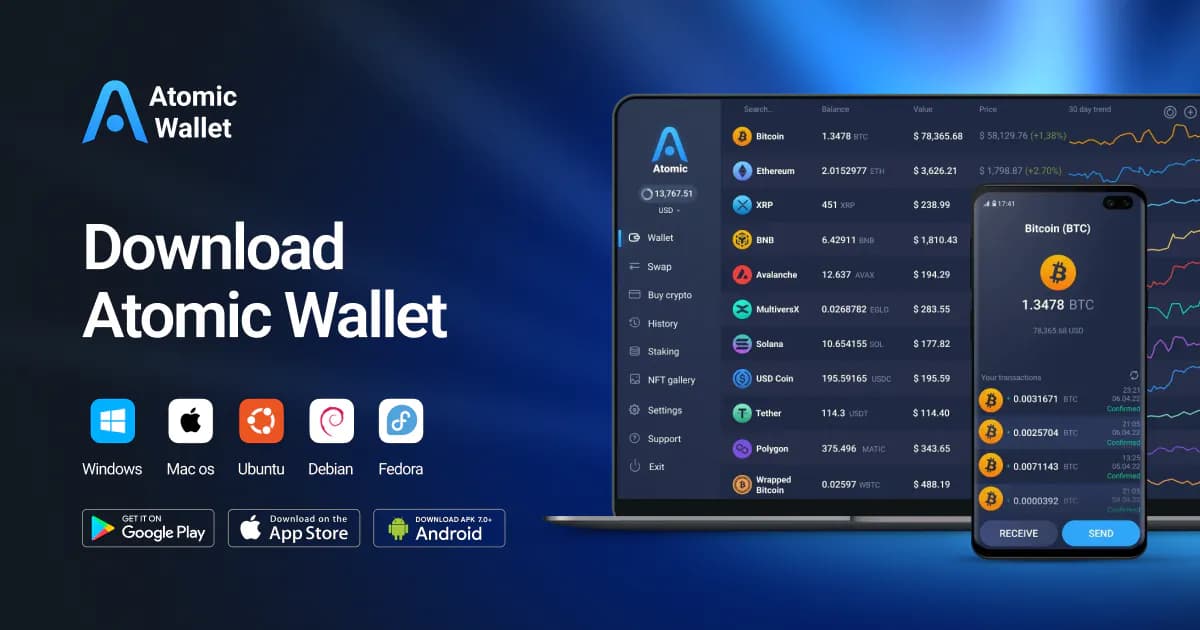
Atomic Wallet Desktop
desktop multi-asset users who can independently protect a 12-word backupAtomic offers broad desktop multi-asset coverage and explicit self-custody language, but current platform/incident uncertainty and third-party service dependence warrant a higher-risk editorial posture pending deeper review.
Custody: Self Custody
Platforms: Windows, Macos, Linux
Role: Consumer Wallet
Free
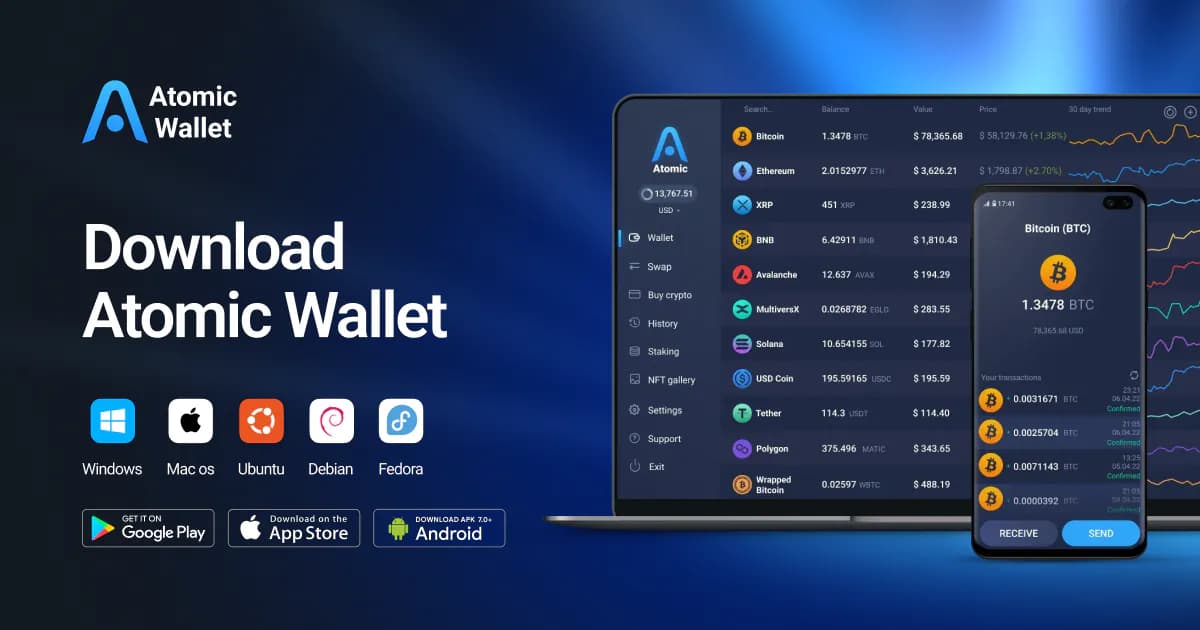
Atomic Wallet Mobile
Android multi-asset users who can independently protect a 12-word backupThe mobile product has the same basic self-custody phrase model as Atomic Desktop but a materially different availability profile, so it remains a limited, higher-risk surface pending further research.
Custody: Self Custody
Platforms: Android, iOS
Role: Consumer Wallet
Free
Backpack Wallet
users seeking a Solana/Ethereum wallet with mobile and browser surfacesBackpack’s official distribution and product terms support a separate wallet record, but the reviewed sources leave key-management, recovery, provider, and source-availability claims unresolved.
Custody: Self Custody
Platforms: iOS, Android, Browser Extension
Role: Consumer Wallet
Free